The Email Signature That Networks for You
Generate a professional email signature from your Kilala card in one click. Your name, title, photo, and all your contact links are formatted, branded, and ready to paste into Gmail, Outlook, or Apple Mail.
What Is a Kilala Email Signature?
A Kilala email signature pulls your contact info, photo, and social links directly from your digital card. Update your card once, and your signature updates everywhere. Always polished, always consistent, always on brand.
Branded by Default
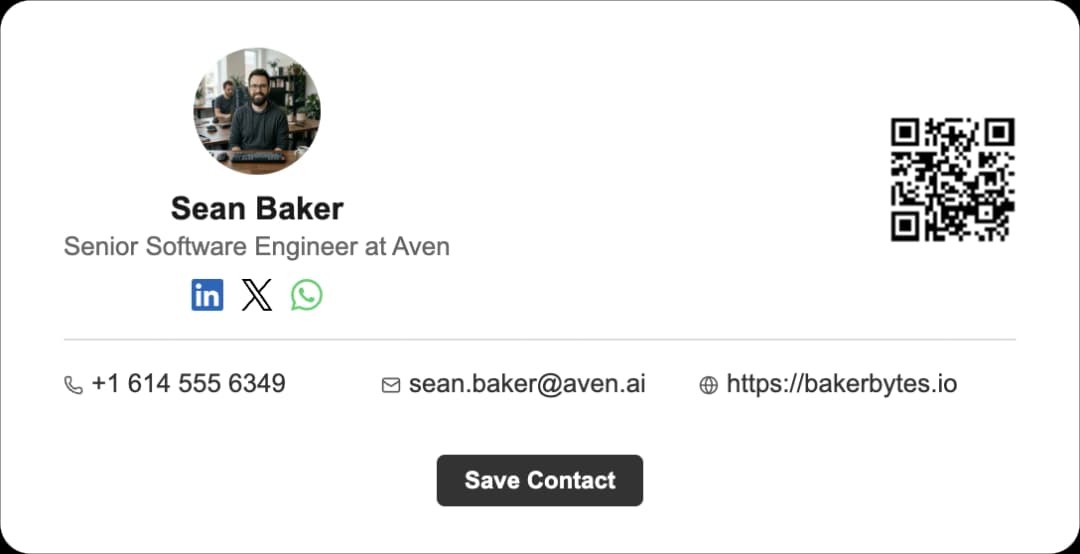
Your signature matches your card: same photo, same links, same professional look. Choose from many professional templates that adapt to your card's data. Add your logo, adjust colors, and make every email feel intentional.

Always Up to Date
Changed your phone number? Added a new social profile? Update your Kilala card once and regenerate your signature in seconds. No more outdated signatures floating around your sent folder.
Works Everywhere Email Does
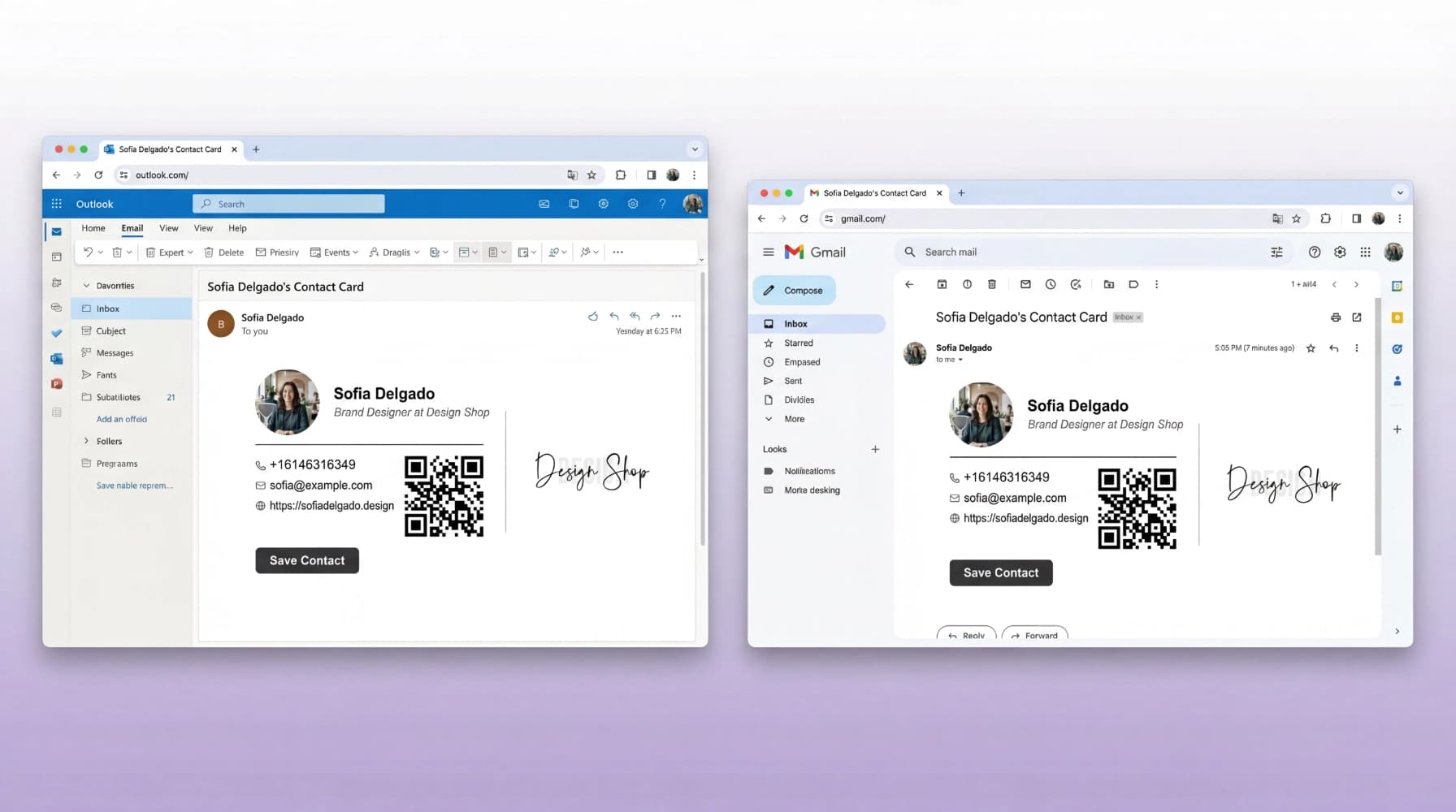
Gmail, Outlook, Apple Mail, and Yahoo all render your signature beautifully. Tested across every major email client on desktop and mobile, so you never have to worry about formatting.
How It Works
From card to inbox in three clicks
Pick a Template
Choose from many professional signature templates. Each one adapts to your card's data with no manual formatting required.
Preview & Customize
See your signature in real time. Adjust which links to show, toggle your photo or logo, and fine-tune the layout.
Copy & Paste
One click copies your signature to the clipboard. Paste it into your email client's signature settings, and you're done.
Professional Templates, Zero Design Work
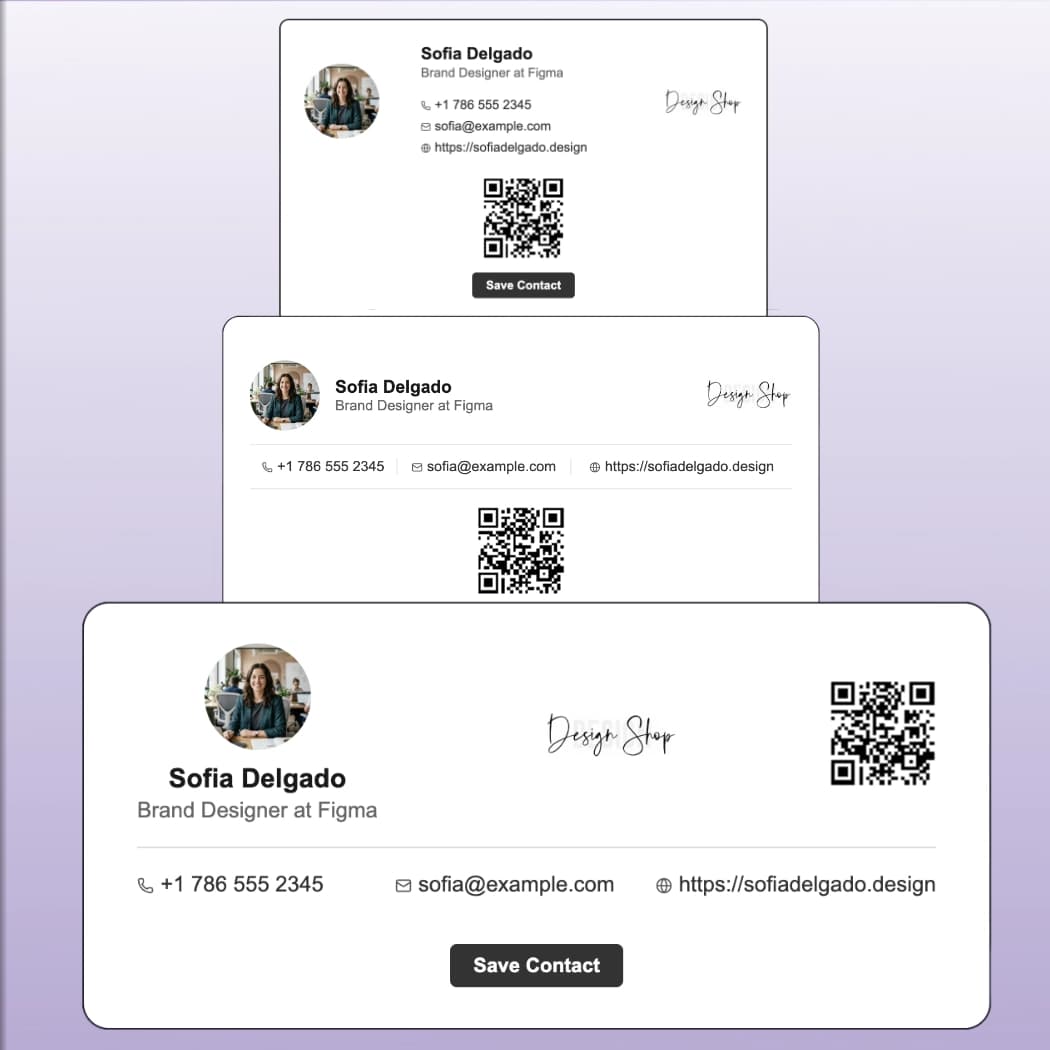
Each template is built for readability across devices and email clients. Pick the style that fits your brand, from clean and minimal to bold and visual.
Where Your Signature Works Hardest
Every email you send is an opportunity someone else misses
Client Outreach
Cold email? Warm introduction? Your full professional profile is already in the footer. Prospects see your face, title, and links before they decide to reply.
Company-Wide Branding
Create signatures for your entire team with consistent formatting. Everyone gets the same professional look, personalized to their card.
Post-Event Follow-Ups
Met someone at a conference? Your follow-up email already includes your full contact profile. They click your card link, you get a new lead.
Internal Communication
Even internal emails benefit from a clean signature. New team members, cross-department collaborators, and partners always know exactly who you are.
Frequently Asked Questions
Kilala signatures work with Gmail, Outlook (desktop and web), Apple Mail, Yahoo Mail, and all major email clients. We test across every platform to ensure your signature looks perfect everywhere.
Under two minutes. Pick a template, preview your signature, copy it, and paste it into your email settings. That's it, with no design experience needed.
Yes. Upload your logo to your Kilala card and it will appear in your email signature automatically. You can position it alongside your photo or use it as a standalone element.
Just regenerate your signature from the dashboard. Copy the updated version and paste it into your email settings. The whole process takes under 30 seconds.
Absolutely. Each team member creates their own Kilala card and generates their own signature. Everyone gets a consistent, branded look with their own personalized info.
Yes. The email signature generator is included with every Kilala account. All signature templates are available, with no limits on how many times you can generate or update your signature.
Your network is bigger than the people you meet
Every LinkedIn connection, every email thread, every group chat: that's your real network. Stop hoping people remember you. Give them a link they can actually use.
No commitment. Cancel anytime.