Contact Management Without the Overhead
Scanned cards, captured leads, and manual contacts all live in one searchable place. No CRM to configure, no spreadsheets to maintain. Your entire professional network, organized and accessible.
What Is Kilala Contact Management?
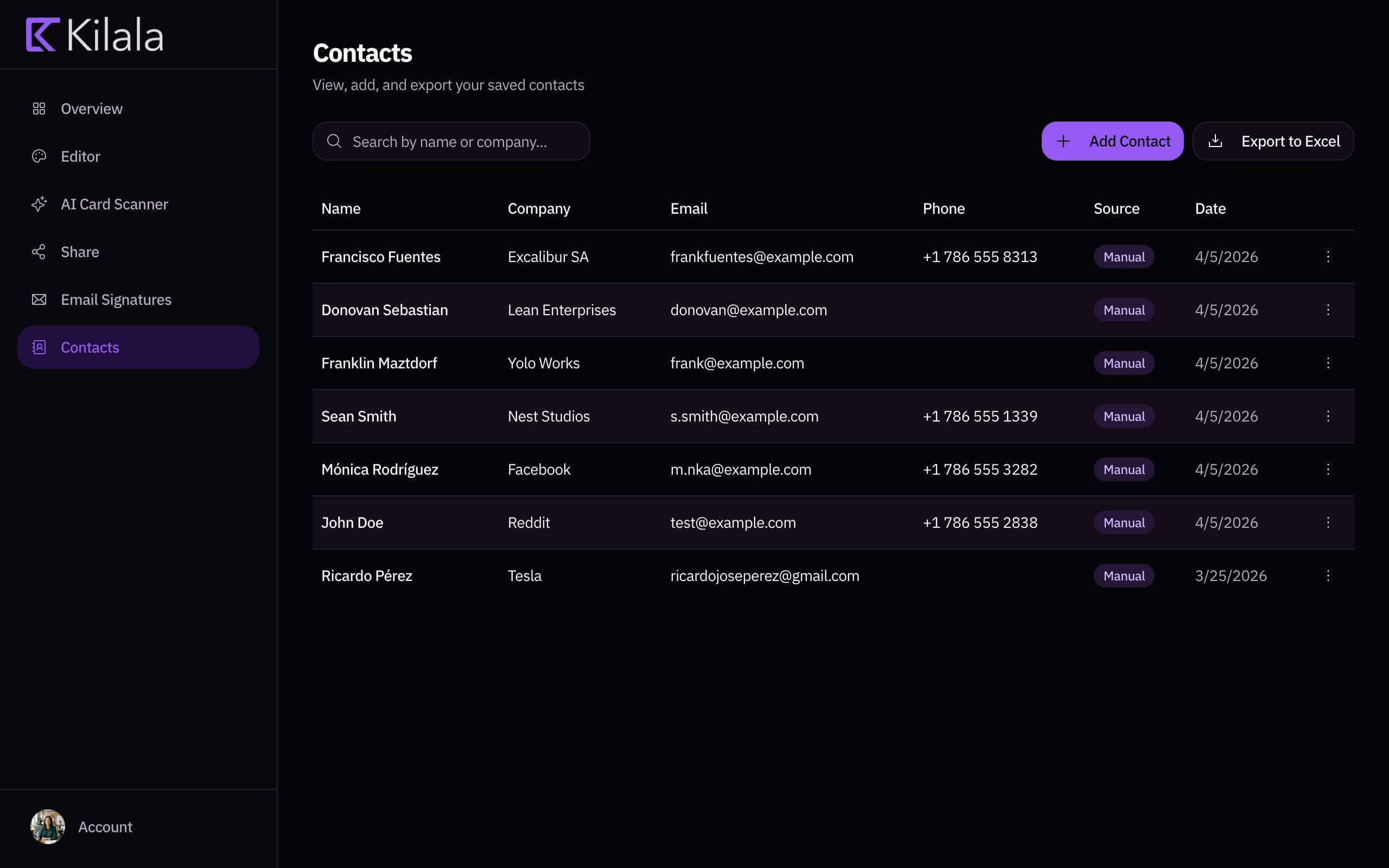
Kilala's contact management dashboard is where all your connections live. Leads from your card's form, contacts from the AI scanner, and entries you add manually all land in the same place. Search by name, filter by source, export to Excel, and never lose a connection again.
One Place for Everything
Scanned business cards, captured leads, and manual entries all live in one dashboard. No switching between apps, no fragmented contact lists. Every connection from every channel, organized automatically.
Find Anyone Instantly
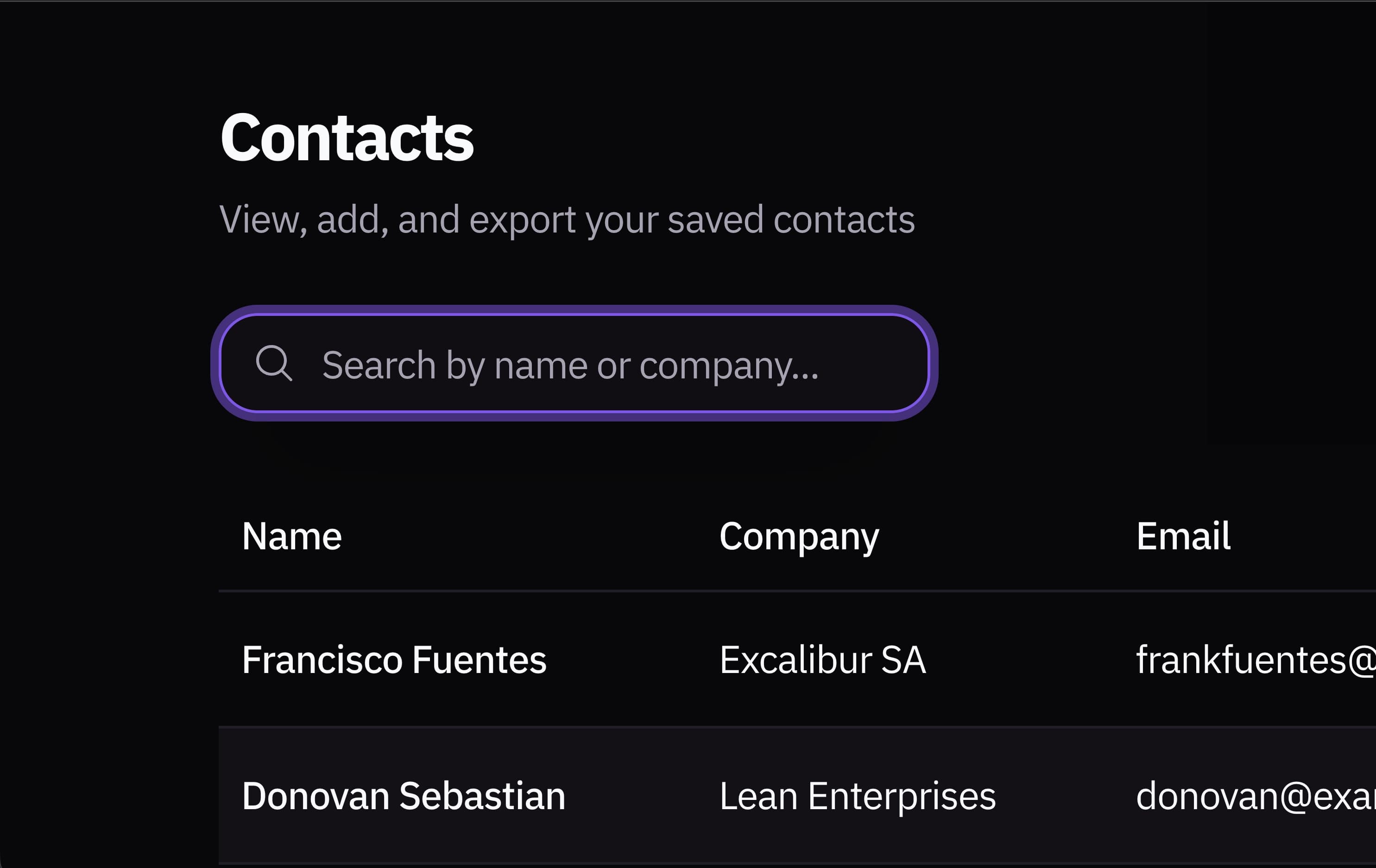
Search by name, company, email, or any detail. Filter by source: leads, scanned cards, or manual entries. Your contact list works like it should: fast, simple, and always up to date.
Export Anytime
Download your contacts as Excel with one click. Import into your CRM, email marketing tool, or any system you already use. Your data, your way, with no lock-in and no restrictions.
How It Works
From scattered contacts to organized network in three steps
Contacts Flow In
Leads from your card form and scanned business cards are saved to your dashboard automatically. No manual entry required.
Search & Organize
Find any contact instantly by name, company, or email. Filter by source to see just leads, just scanned cards, or everything together.
Export & Act
Download your contacts as Excel anytime. Import into your CRM, email tool, or spreadsheet, or manage everything right from your Kilala dashboard.

Your Professional Network at a Glance
See all your contacts, their sources, and when they were added in a clean, searchable view. No setup, no clutter, no learning curve.
Built for How You Actually Network
Your contacts shouldn't be scattered across apps and shoeboxes
Post-Event Organization
Scanned 30 cards at a conference? They're already in your dashboard. Review, tag, and follow up from one place.
CRM Syncing
Export your contacts to Excel and import them into HubSpot, Salesforce, or any CRM. Keep your pipeline updated without manual data entry.
Team Visibility
Share contact access across your team. Everyone sees the same up-to-date network, with no more 'who has that person's email?'
Follow-Up Tracking
See when each contact was added and where they came from. Prioritize fresh leads and re-engage older connections.
Frequently Asked Questions
Contacts come from three sources: leads captured through your digital card's form, business cards scanned with the AI scanner, and contacts you add manually. All appear in the same dashboard.
Yes. Search by name, email, company, or any contact detail. Filter by source (lead, scanned card, manual) to narrow your view.
Yes. Export all contacts or a filtered subset to Excel with one click. The export includes all fields: name, email, phone, company, title, and source.
No. Store as many contacts as you need. There are no storage limits or contact caps.
Yes. You can delete any contact from your dashboard at any time. The action is permanent, and deleted contacts are removed from your account.
Yes. Contact management is included with every Kilala account, including search, filter, and export functionality.
Your network is bigger than the people you meet
Every LinkedIn connection, every email thread, every group chat: that's your real network. Stop hoping people remember you. Give them a link they can actually use.
No commitment. Cancel anytime.